

How to Create Professional Voicemail Messages Fast
Your voicemail greeting is often the first impression of your business. A clear, professional message builds trust, improves callback rates, and strengthens relationships. Creating voicemail messages used to be time-consuming and costly, but AI-powered tools like VoiceMailCraft now make it quick and easy. With features like natural AI voices, customizable templates, and instant downloads, you can produce high-quality voicemails in under a minute.
Key Takeaways:
- Professional Voicemails Matter: They reflect your reliability, provide essential details, and act as a 24/7 brand ambassador.
- AI Simplifies Creation: Tools like VoiceMailCraft offer 15+ natural voices, templates for various industries, and auto-adjusted audio quality.
- Quick and Affordable: Create polished voicemails for as little as $24, with no subscriptions or hidden fees.
- Customization Options: Tailor messages for different departments, locations, or seasonal updates to maintain brand consistency.
VoiceMailCraft provides an efficient, budget-friendly way to ensure your voicemail messages leave a strong, professional impression. Ready to upgrade your voicemail? Let’s dive in.
Voicemail Greeting Generator
What Makes a Good Voicemail Message
A voicemail is more than just a recorded message - it's your 24/7 communication tool, representing you and your business when you're unavailable. A well-crafted voicemail not only provides clear information but also shows respect for the caller's time. Let's break down what goes into creating a voicemail that works.
Main Parts of a Professional Voicemail
A professional voicemail should follow a simple structure that guides the caller effortlessly. Start with a friendly greeting that introduces yourself and your company. This sets a welcoming tone right from the start.
After that, briefly explain why you can't take the call and include a polite apology for the inconvenience. This small gesture demonstrates your professionalism and acknowledges the caller's time.
Next, provide clear instructions on what you need from the caller. Typically, this includes their name, phone number, and a short description of their reason for calling. Be specific so the caller knows exactly what to do.
It's also a good idea to let them know when they can expect a response. If there's an urgent matter, offer alternative ways to get in touch, such as an email address, a colleague's phone number, or a link to a helpful resource like an FAQ page.
Wrap up with a professional sign-off. Thank the caller for reaching out and, if applicable, mention your business hours and time zone to help them know the best times to connect with you.
Voice Tone, Message Length, and Audio Quality
How you say something can be just as important as what you say. Use a tone that’s polite, professional, and reflects your brand's personality. Whether your style is formal or casual, aim for a voice that’s warm and confident to leave a positive impression.
Keep your message short and to the point - ideally between 20 to 30 seconds. This is enough time to provide all the necessary details without overwhelming the caller or wasting their time.
Don’t underestimate the importance of audio quality. Make sure your recording is clear, with consistent volume and no distracting background noise. Avoid jokes or overly casual language to keep the message polished and professional.
Customizing Messages for Your Business
Your voicemail is an extension of your brand, so make it work for your specific audience. For example, a law firm might use formal, concise language to emphasize confidentiality, while a creative agency might lean into a relaxed tone that highlights its innovative vibe.
You can also customize voicemails for different departments. A sales team’s message might focus on scheduling consultations and include direct contact information for urgent matters. Meanwhile, a customer service team could guide callers to resources like support ticket numbers or alternative help options.
Think about your audience’s needs when crafting your message. A B2B company might prioritize detailed instructions and alternative contacts, while a consumer-facing business might focus on simplicity and accessibility. Ultimately, your voicemail should feel like a natural part of your overall customer experience.
Next, see how VoiceMailCraft’s platform can help you put these principles into action effortlessly.
How to Create Voicemails with VoiceMailCraft
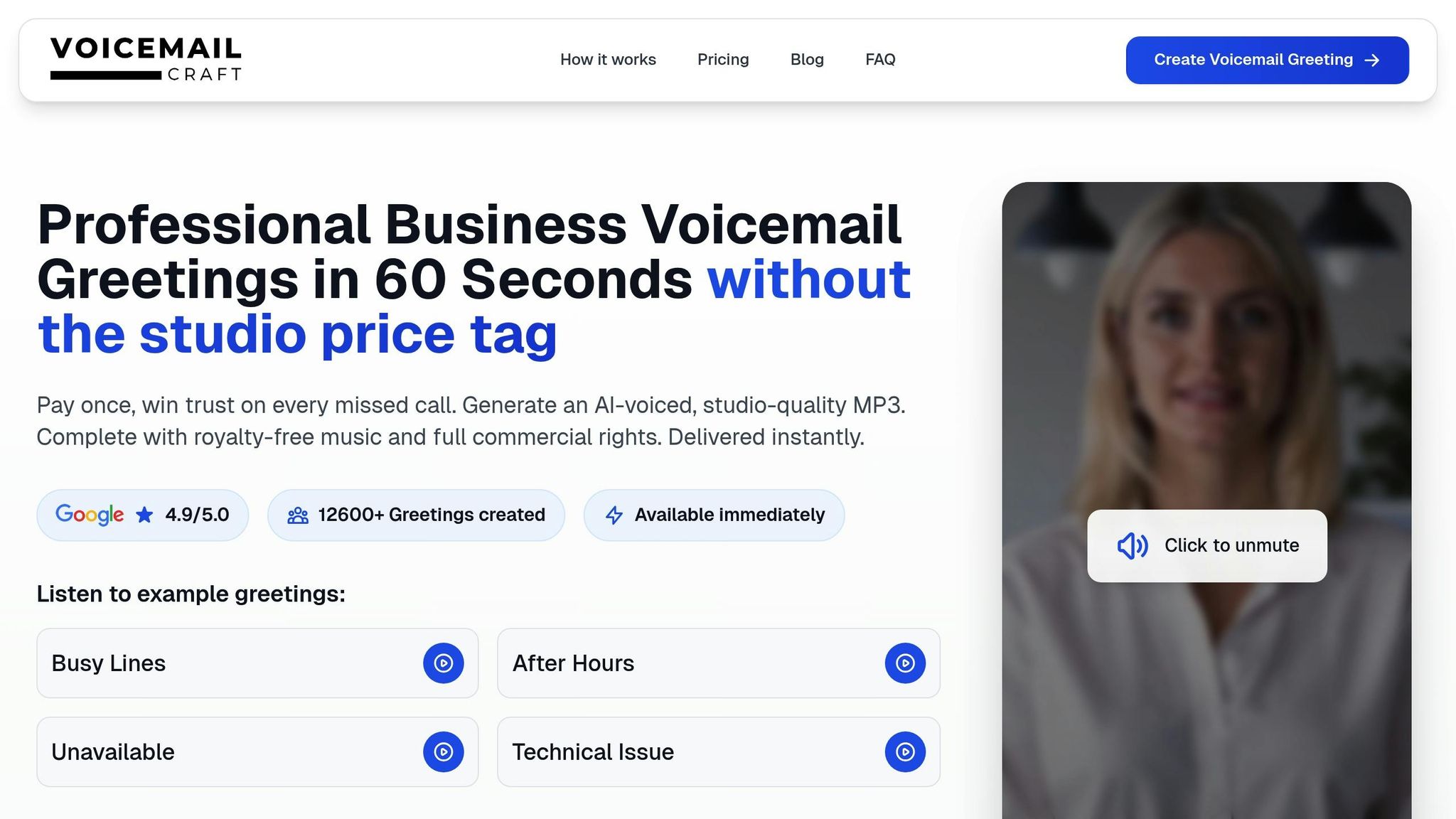
VoiceMailCraft simplifies the process of creating professional voicemail messages, making it quick and hassle-free. Forget about complicated setups or lengthy procedures - this platform is all about getting your message ready with minimal effort. Here’s how you can go from idea to a polished voicemail in just a few steps.
Setting Up Your Account
One of the standout features of VoiceMailCraft is that no account setup is required. You can dive right in by visiting the website and clicking "Create My Greeting Now." This means you can start crafting and previewing your voicemail instantly, without any unnecessary delays.
Before committing to a purchase, you’ll have the chance to preview your audio for free. This feature is especially useful if you’re experimenting with different voice options or tweaking your message to perfection.
When you’re ready to proceed, VoiceMailCraft offers a one-time payment model - no subscriptions or hidden charges. Choose between the Standard Package for $24 or the Premium Package for $29, payable via PayPal or credit card. Once payment is made, you can select your preferred voice and template to get started.
Choosing Templates and AI Voices
VoiceMailCraft makes voicemail creation effortless by focusing on two key elements: selecting a voice and designing your message. The platform offers 15+ premium AI voices, featuring both male and female options, all tailored for professional business use.
Each voice comes with a preview, so you can hear exactly how your message will sound before making a decision. These AI voices also support a variety of languages and accents, allowing you to align your voicemail with your audience's preferences or your business's location.
For your message content, you can either write a fully custom script or pick from a library of 50+ professional templates. The templates cater to a wide range of industries, including medical practices, law firms, and creative agencies. Whether you need a straightforward after-hours message or detailed instructions for specific departments, there’s something for everyone.
Dr. Jennifer Martinez from Martinez Family Health Center shared her experience:
"This service completely transformed our patient experience. The AI voice is incredibly natural, and our appointment booking rate increased by 40% since we implemented the new greeting."
These templates are fully customizable, so you can adjust the tone, language, and details to fit your brand perfectly. Once you’ve chosen your voice and message, you can refine everything in the editing phase to ensure it aligns with your business identity.
Editing Your Message and Downloading Files
After selecting your voice and message template, VoiceMailCraft’s editing tools allow you to fine-tune every detail. You can adjust the speech speed to ensure clarity, especially for important details like phone numbers or instructions.
For those opting for the Premium Package, you’ll also get access to 18 background music styles, ranging from corporate to classical. These tracks are designed to complement your message without overwhelming it. Volume controls let you strike the perfect balance between voice and music.
The platform’s instant preview feature is a game-changer. You can test various combinations of voice, text, and background music in real-time, making adjustments until everything sounds just right. Sarah Brown from Serenity Spa & Wellness shared her feedback:
"Quick, easy, and professional. The background music option is perfect for our spa. Our clients appreciate the calming, professional greeting."
Once you’re satisfied, you can generate your final greeting instantly. The platform provides a high-quality MP3 file (48kHz sample rate), optimized for phone systems. It’s compatible with all major phone systems, VoIP services, and mobile carriers, so you won’t have to worry about technical issues.
Your download comes with full commercial rights and unlimited usage, meaning there are no extra licensing fees or restrictions. David Chen from TechCorp Solutions highlighted this feature:
"The AI voices are incredibly realistic. Our clients can't tell it's not a real person. This has saved us hours of recording time and the quality is consistently excellent."
From start to finish, the process typically takes just a few minutes. With over 15,000 satisfied customers and a 4.9/5.0 rating, VoiceMailCraft has become a trusted tool for businesses of all sizes and industries.
sbb-itb-359026e
Business Branding Features
Maintaining a consistent brand voice across multiple locations or departments can be tricky. That’s where these branding features come in, ensuring your voicemail messaging stays aligned with your brand while allowing for necessary adjustments. VoiceMailCraft simplifies this process by offering tools that unify your brand identity without sacrificing flexibility.
Keeping Brand Consistency Across Locations
VoiceMailCraft's Multi-Location Support ensures that every branch, office, or department maintains the same polished, professional voice. Thanks to the platform's AI voice technology, messages generated for your Boston office will sound identical to those created for your Seattle location, provided you use the same voice and template.
Consistency extends beyond just the voice. You can create department-specific greetings that meet unique needs while adhering to your brand guidelines. For instance, your customer service team might need a different script than your sales team, but both can use the same AI voice and background music style to maintain a cohesive brand identity.
The platform also guarantees consistent audio quality across all messages, eliminating variations in volume, clarity, or tone. Whether you’re creating a single greeting or dozens, every file meets the same high standards, ensuring a professional sound every time.
For businesses with international locations, VoiceMailCraft supports multiple languages and accents. This allows branches to communicate in the local language while preserving your brand’s personality. Additionally, seasonal updates make it easy to tailor messages to local events or changing business needs, all while keeping your brand voice intact.
Local and Seasonal Message Options
VoiceMailCraft makes it simple to adapt your voicemail greetings for seasonal events or local needs without compromising your brand. The Holiday & Seasonal Updates feature covers major holidays like Christmas, New Year, and Thanksgiving, as well as business-specific occasions such as anniversaries, sales, and grand openings.
Robert Thompson from Thompson Realty Group shared his experience with this feature:
"Game changer for our real estate business. Professional, clear, and we can update our greetings for different seasons and promotions effortlessly."
Seasonal customization goes beyond holidays. You can create messages for practical scenarios like summer hours, winter closures, back-to-school periods, or out-of-office notifications. This ensures customers stay informed about schedule changes while hearing a professional, branded voice.
Local customization is equally valuable for businesses serving diverse markets. You can include specific phone numbers, address regional concerns, or reference local events. VoiceMailCraft’s template system lets you craft variations of your core message to resonate with specific audiences while maintaining your overall brand identity.
The platform’s straightforward pricing structure makes regular updates budget-friendly, perfect for businesses that frequently refresh their greetings for promotions or seasonal campaigns. Plus, since every AI-generated voice matches perfectly, you can prepare seasonal messages in advance, confident they’ll align with your existing brand voice when implemented. This level of consistency builds trust and recognition, ensuring customers always hear the same professional quality, no matter when or where they call.
Tips and Common Mistakes to Avoid
Creating a professional voicemail message takes more than just recording a quick note - it involves careful planning and attention to detail. The final product depends heavily on the quality of your script and how you bring it to life.
How to Write Clear and Engaging Scripts
Start with a warm, professional greeting that immediately introduces your business. Be sure to include your company name and acknowledge the caller's importance. Skipping this step and diving straight into instructions can feel impersonal and confusing.
Keep it short - 20 to 30 seconds is ideal. This gives you enough time to share the key details without losing the caller’s attention. Start with the essentials: your business name, a thank-you for their call, and the next steps they should take.
Use conversational language that feels approachable yet professional. Imagine speaking directly to a valued customer standing in front of you. This balance helps you connect while maintaining credibility.
Provide specific callback timeframes. Instead of vague phrases like "we'll get back to you soon", say something like "we’ll return your call within 24 hours" or "by the next business day." This clarity shows that your business is reliable and organized.
Offer alternative contact options when necessary. If you have an email for urgent matters, a website for general information, or emergency contact details, include them. This ensures callers have multiple ways to reach you, reducing frustration.
Once your script feels polished, it's time to test how it works in practice.
Testing and Improving Your Messages
Even the best script benefits from real-world testing. Listen to your recorded message several times to catch any awkward phrasing or unclear sections. Play it on different devices and at varying volumes to ensure it’s easy to understand.
Get feedback from colleagues. A fresh set of ears can often spot issues you might overlook, like unclear pronunciation or missing details. Ask for their honest opinions and see if they can summarize the message - this will show whether your key points are coming through.
Test the message with actual customers. Some businesses create two versions of their voicemail and rotate them weekly to see which one performs better. By tracking callback rates or asking for feedback, you can learn what resonates most with your audience.
Monitor callback patterns to identify problems. If you notice fewer returned calls or more hang-ups, your voicemail might be too long, unclear, or missing important details. Track these trends over a couple of weeks to pinpoint what needs adjustment.
Refresh your messages regularly. Even a great voicemail can feel outdated if left unchanged for too long. Review your recordings every quarter and update them to reflect seasonal changes, new services, or customer feedback.
Testing your message in real-world scenarios ensures it’s not just clear but also effective.
Common Voicemail Mistakes to Avoid
To maintain a professional image, steer clear of these common voicemail pitfalls:
Speaking too quickly makes your message hard to follow. Even if you’re familiar with the script, rushing through it can overwhelm callers. Slow down, and include natural pauses to give listeners time to absorb the information.
Outdated information creates confusion. Whether it’s old business hours, discontinued services, or references to former employees, outdated details signal a lack of attention to detail. Set reminders to review and update your voicemail regularly.
Generic messages miss an opportunity to stand out. A voicemail that lacks personality or specifics won’t leave a lasting impression. Mention something unique about your services, location, or value to make your message memorable.
Poor audio quality undermines even the best script. Background noise, uneven volume, or unclear pronunciation can make your business seem unprofessional. While tools like VoiceMailCraft’s AI voices ensure clear recordings, it’s still important to use the right settings and avoid over-compressed audio.
Overloading the message with too much detail confuses callers. Save in-depth information for your website or follow-up conversations. Keep your voicemail focused on the essentials, like what the caller should do next.
Always mention your business name at the beginning - and again at the end if needed. This simple habit avoids confusion and reinforces your professionalism.
Conclusion
Creating professional voicemail messages doesn't have to be a hassle. With VoiceMailCraft's AI-powered platform, you can produce studio-quality voicemail greetings in less than a minute.
This platform takes care of all the essential elements for crafting a polished voicemail. You’ll have access to 15+ natural AI voices, over 50 industry-specific templates, and customizable features - including background music - so you can quickly create a voicemail that aligns perfectly with your brand.
What makes VoiceMailCraft stand out is its emphasis on consistent branding and practical business needs. Multi-location support ensures your messaging stays uniform across all offices, and the option for seasonal updates helps keep your greetings fresh and relevant. Plus, with prices set at just $24 for standard greetings or $29 for premium options (which include background music), you get high-quality results without the burden of subscription fees.
The platform’s popularity speaks for itself: a 4.9/5.0 rating from over 1,260 users highlights its success in helping businesses create messages that resonate with their callers. Studies even show that about 70% of professionals perceive companies with personalized voicemail greetings as more trustworthy and dependable, making this a small investment with a big impact on your reputation.
Ready to enhance your business voicemail? Explore VoiceMailCraft’s extensive template library and voice options today. With instant MP3 downloads, universal compatibility, and full commercial rights included, you can have a professional voicemail set up in mere minutes. Boost caller confidence and strengthen your brand with ease.
FAQs
How does VoiceMailCraft maintain high audio quality for its AI-generated voicemail messages across various devices and platforms?
VoiceMailCraft leverages cutting-edge audio technology to guarantee clear, high-quality sound in every AI-generated voicemail, regardless of the device or platform. By fine-tuning audio settings, it reduces distortion, improves clarity, and ensures a polished, professional tone.
To back this up, VoiceMailCraft rigorously tests its voicemails across various devices and operating systems. Whether someone listens on a smartphone, desktop, or any other audio system, the message maintains a consistent and professional quality.
What are the benefits of using AI-powered voices instead of traditional recordings for professional voicemail messages?
AI-powered voices bring a range of advantages compared to traditional recording methods. For starters, they can save you a ton of time. Instead of spending hours in recording sessions or redoing takes, these tools generate high-quality audio in minutes. They’re also easier on your budget since there’s no need to hire voice talent or rent expensive recording gear.
Another big plus? AI voices deliver a smooth and professional sound that can match your brand’s personality. They’re incredibly flexible, too - updating or tweaking messages is quick and hassle-free. And on top of that, they’re inclusive, offering a variety of accents and styles to help you connect with a broader, more diverse audience.
Can VoiceMailCraft create voicemail messages in different languages and accents for businesses with international locations?
VoiceMailCraft is built to cater to businesses with varied communication demands, including the ability to craft voicemail messages in different languages and accents. This ensures your brand maintains a polished and uniform tone, no matter the region.
Thanks to AI-driven tools, you can customize messages to resonate with specific audiences, helping you connect with customers worldwide while showcasing your business's distinct personality.
